NestJS
- Node.js 개발 프레임워크
설치
npm i -g @nestjs/cli- 커맨드 리스트, 설치 확인
nest
- 프로젝트 생성(생성 폴더로 이동 후)
nest new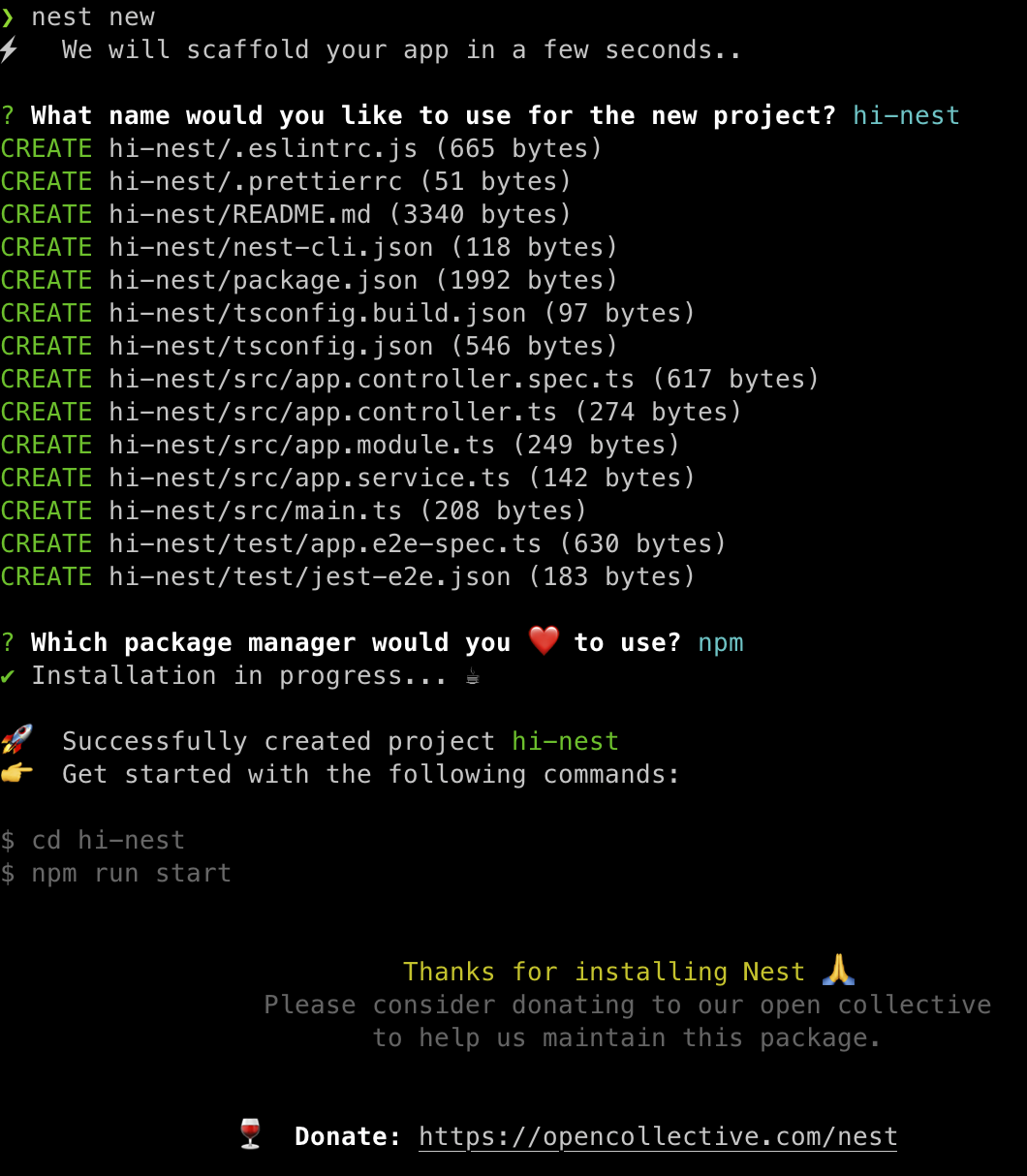
NestJS 프로젝트 구조
- constroller: url을 가져오고 function을 실행
- service: 비즈니스 로직 수행
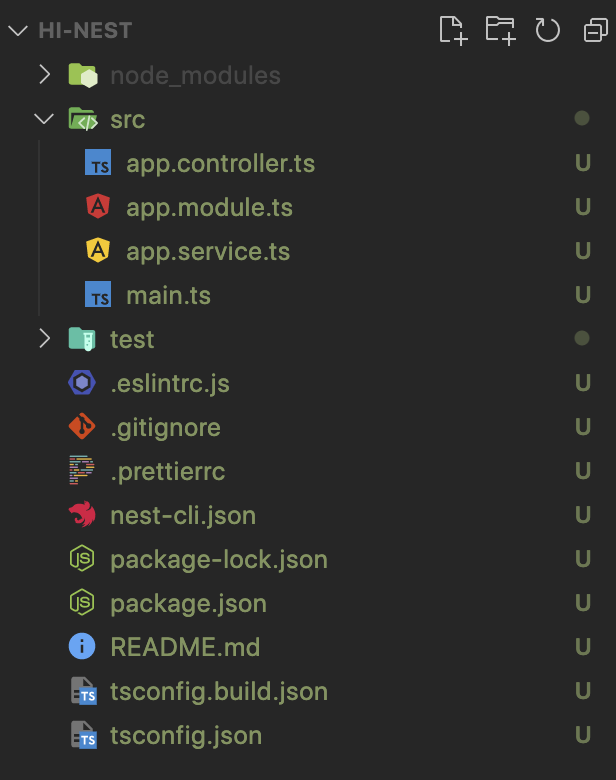
main -> AppModule -> AppController -> AppService
main
- 하나의 모듈에서 어플리케이션 생성
import { NestFactory } from '@nestjs/core';
import { AppModule } from './app.module';

async function bootstrap() {
  const app = await NestFactory.create(AppModule); // module 생성
  await app.listen(3000);
}
bootstrap();
Module
- 루트 모듈
- 어플리케이션의 일부분
- 한가지 역할을 함 예) users, photos, videos...
import { Module } from '@nestjs/common';
import { AppController } from './app.controller';
import { AppService } from './app.service';

@Module({
  imports: [],
  controllers: [AppController],
  providers: [AppService],
})
export class AppModule {}
Controller
- url을 가져오고 함수 실행
- router 역할
import { Controller, Get } from '@nestjs/common';
import { AppService } from './app.service';

@Controller()
export class AppController {
  constructor(private readonly appService: AppService) {}

  @Get() //get decorator
  getHello(): string {
    return this.appService.getHello();
  }

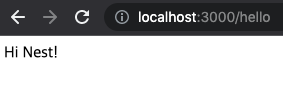
  @Get('/hello') // url 매핑
  sayHello(): string {
  //  return 'Hello everyone';
    return this.appService.getHi(); // Service 호출
  }
}
Service
- 실제 수행할 비즈니스 로직 실행
import { Injectable } from '@nestjs/common';

@Injectable()
export class AppService {
  getHello(): string {
    return 'Hello Nest!';
  }
  getHi(): string {
    return 'Hi Nest!';
  }
}
'개발 > JavaScript' 카테고리의 다른 글
| [NestJS] DTO, 유효성 검사 Validation (0) | 2022.08.10 |
|---|---|
| [NestJS] Controller, Service (0) | 2022.08.10 |
| [JS] Promise, async, await (0) | 2022.08.09 |
| [JS] call, apply, bind 함수 (0) | 2022.08.09 |
| [JS] Object Methods (0) | 2022.08.08 |


