Changing Color
- color 배열 만들기
const colors = document.getElementsByClassName("jsColor");

console.log(colors);
console.log(Array.from(colors));
// Array.from(): HTMLcollection -> Array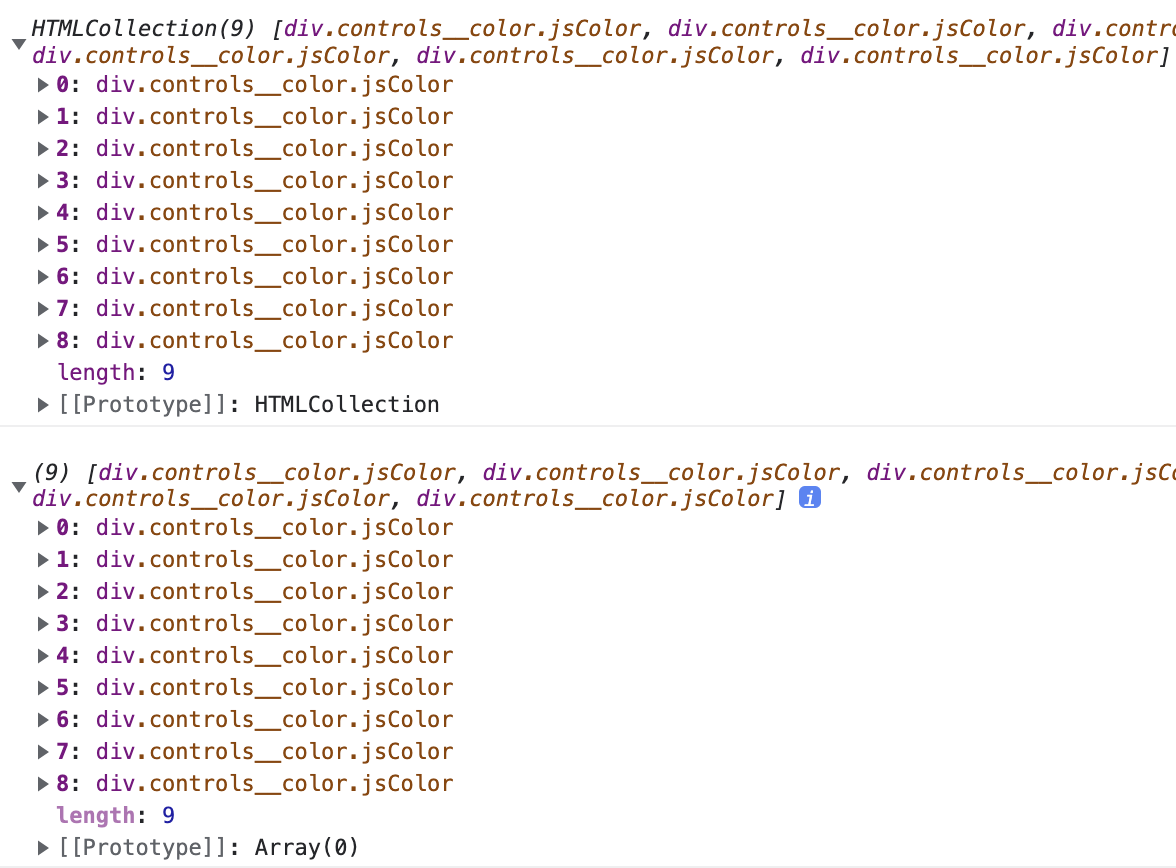
- 배열를 이용하여 forEach문으로 이벤트 적용
function handleColorClick(event) {
  console.log(event.target.style);
}

Array.from(colors).forEach(color =>
  color.addEventListener("click", handleColorClick)
);
// color 값 변수 저장 후 클릭한 값으로 strokeStyle 변경
function handleColorClick(event) {
  const color = event.target.style.backgroundColor;
  ctx.strokeStyle = color;
}
Brush Size
- jsRange: input 이벤트
const range = document.getElementById("jsRange");

function handleRangeChange(event) {
  console.log(event); // target 확인
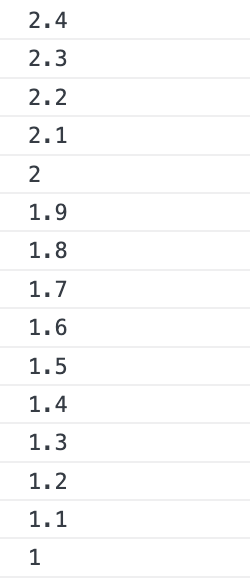
  console.log(event.target.value);
}

if(range) {
  range.addEventListener("input", handleRangeChange)
}
- input value로 lineWidth 변경
function handleRangeChange(event) {
  const size = event.target.value;
  ctx.lineWidth = size;
}
'개발 > JavaScript' 카테고리의 다른 글
| [Node.js] npm, express, mongoDB, 라이브러리 (0) | 2022.07.21 |
|---|---|
| [바닐라 JS] PaintJS - Fill, Save (0) | 2022.04.04 |
| [바닐라 JS] PaintJS - canvas (0) | 2022.04.03 |
| [바닐라 JS] PaintJS - 스타일 설정 (0) | 2022.04.03 |
| [바닐라 JS] querySelectorAll (0) | 2022.03.31 |


